

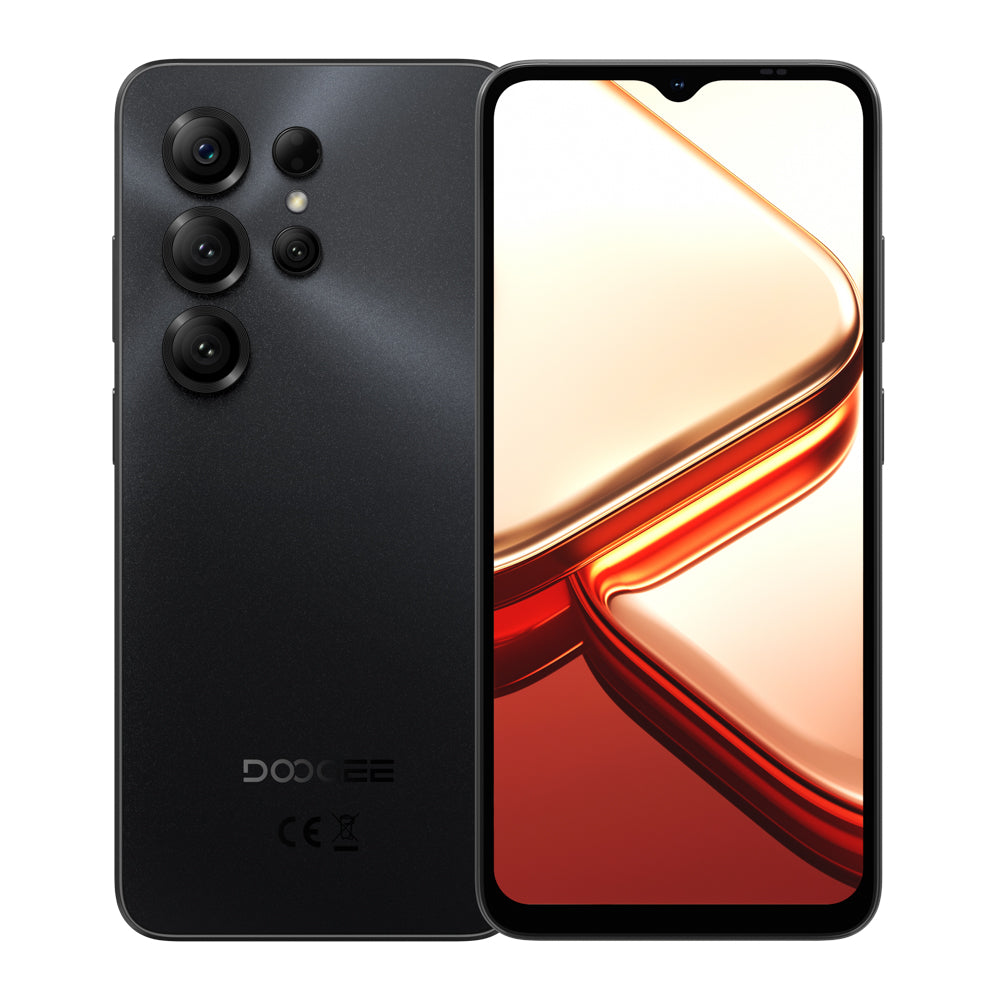
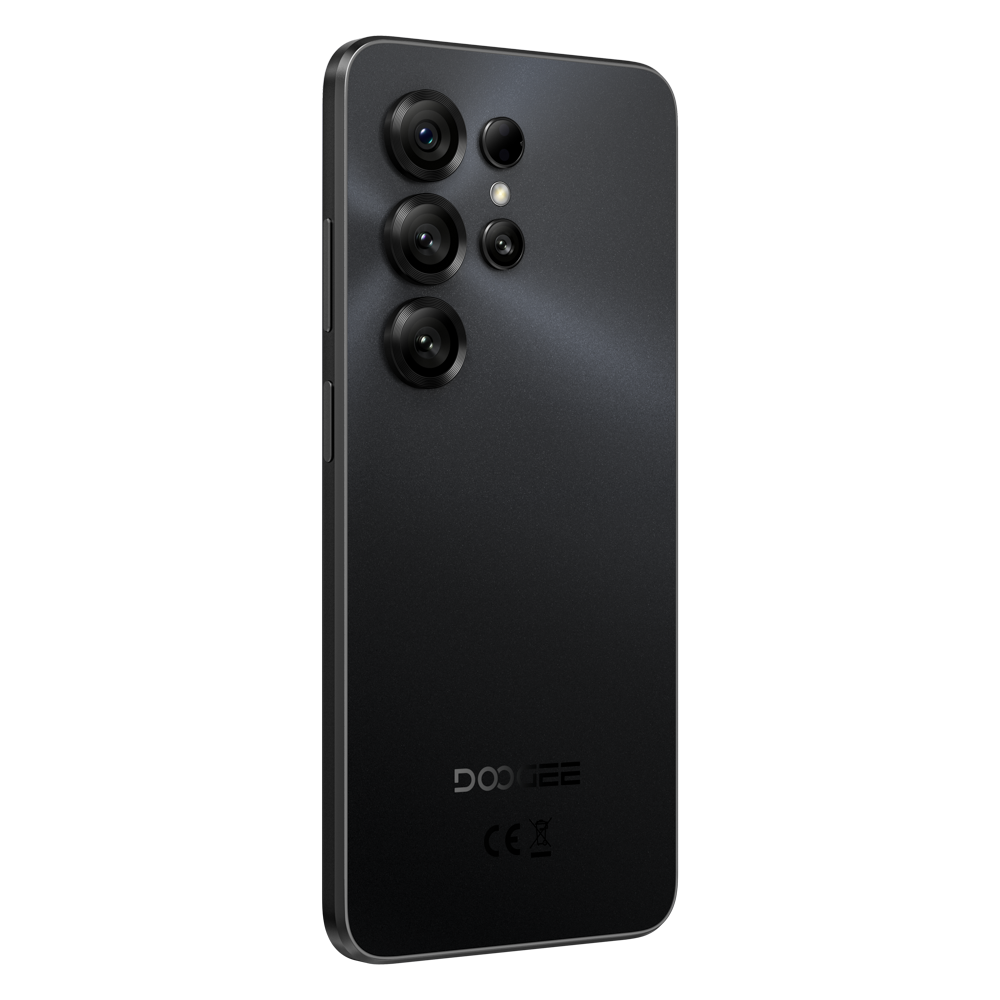
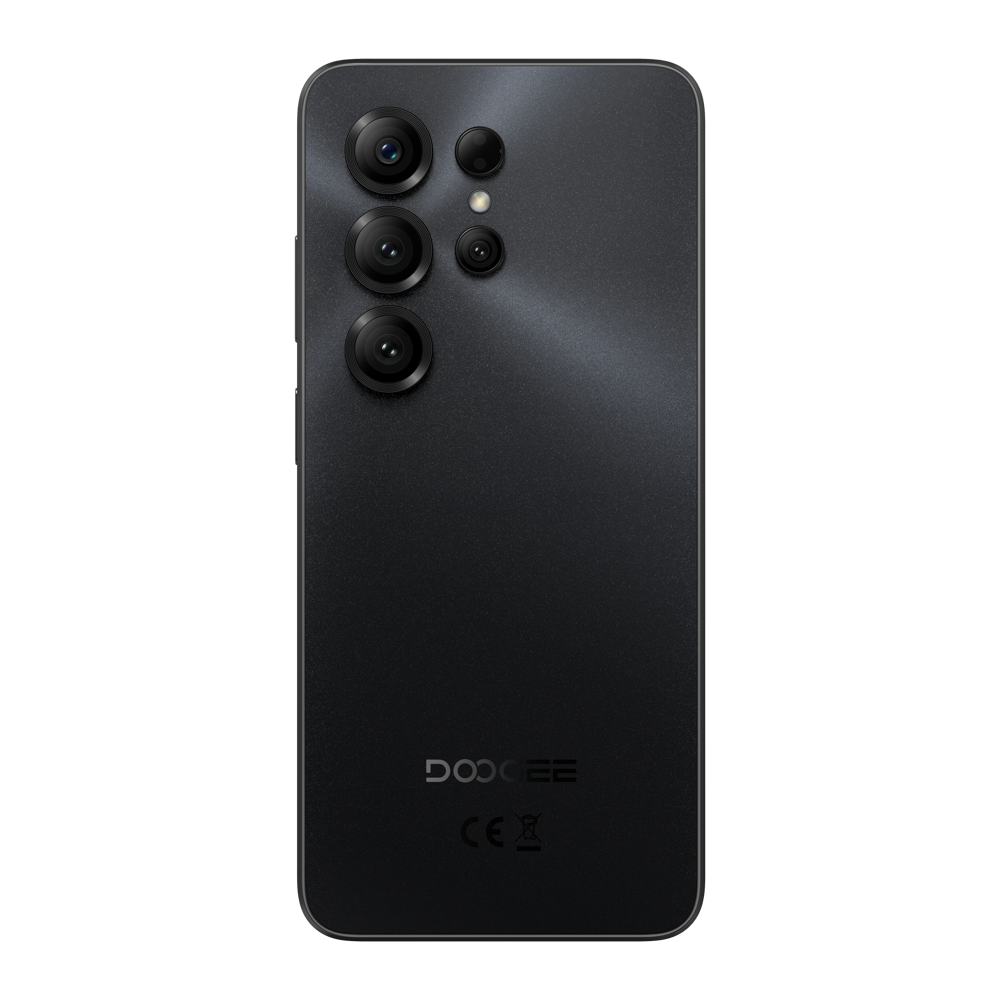


Long everyday battery life

HD+ IPS waterdrop screen

Extended memory support

Up to 1.6GHz octa-core
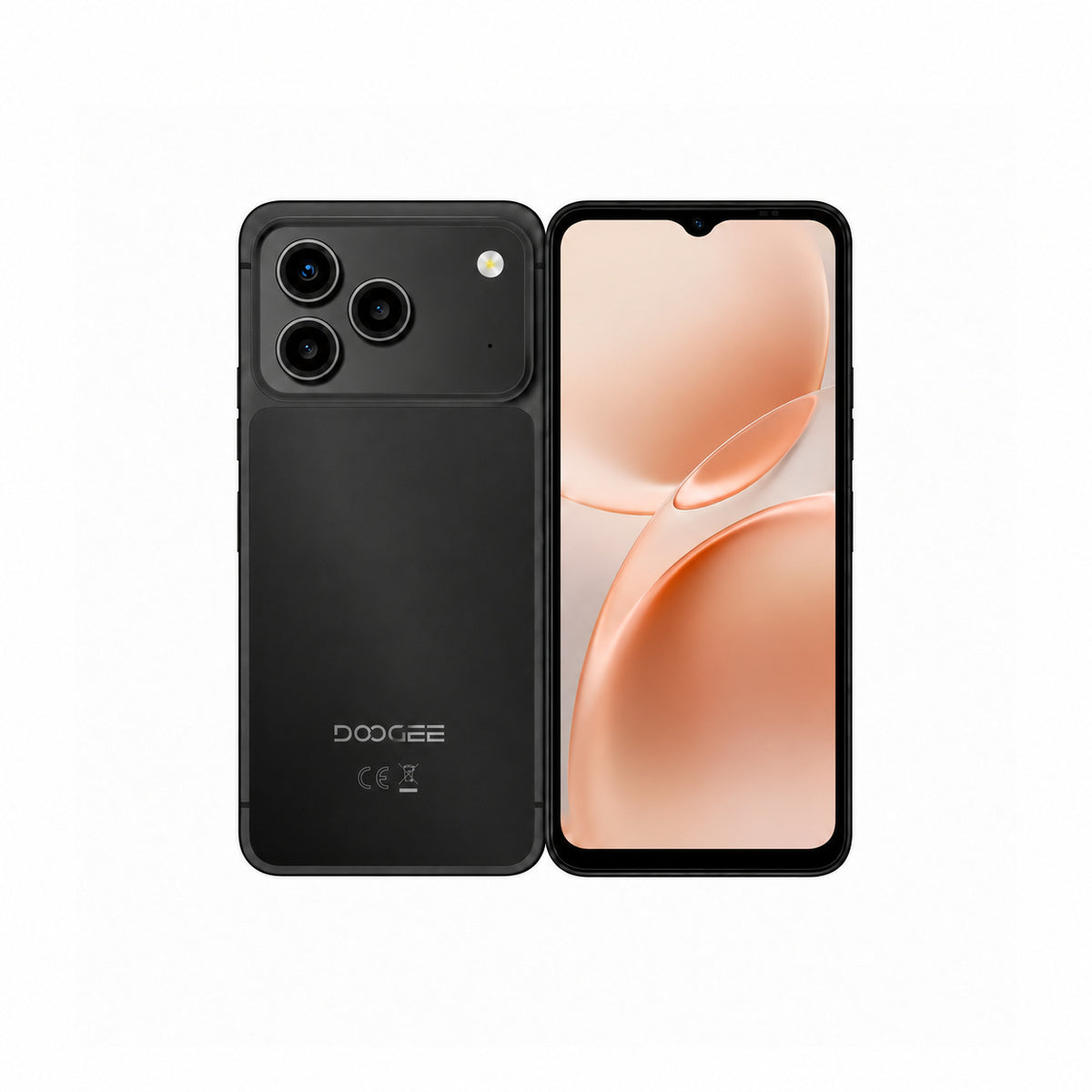
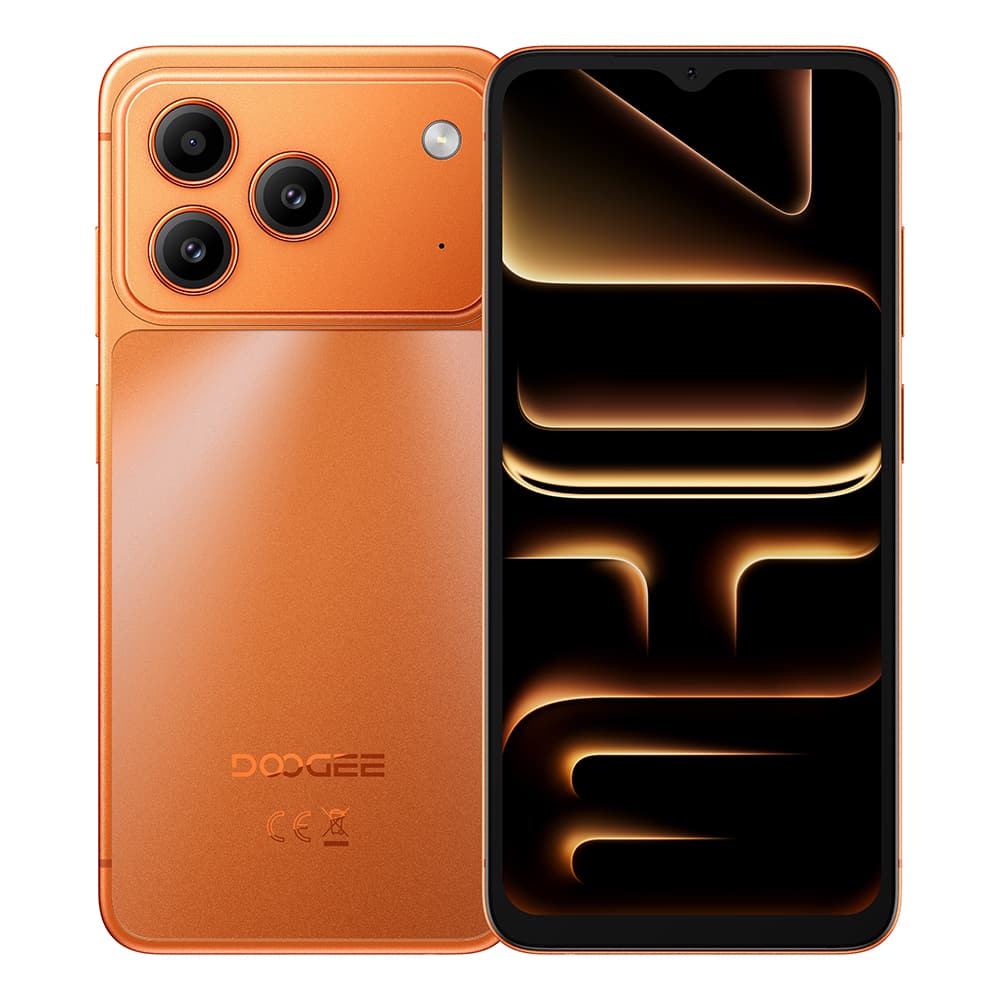
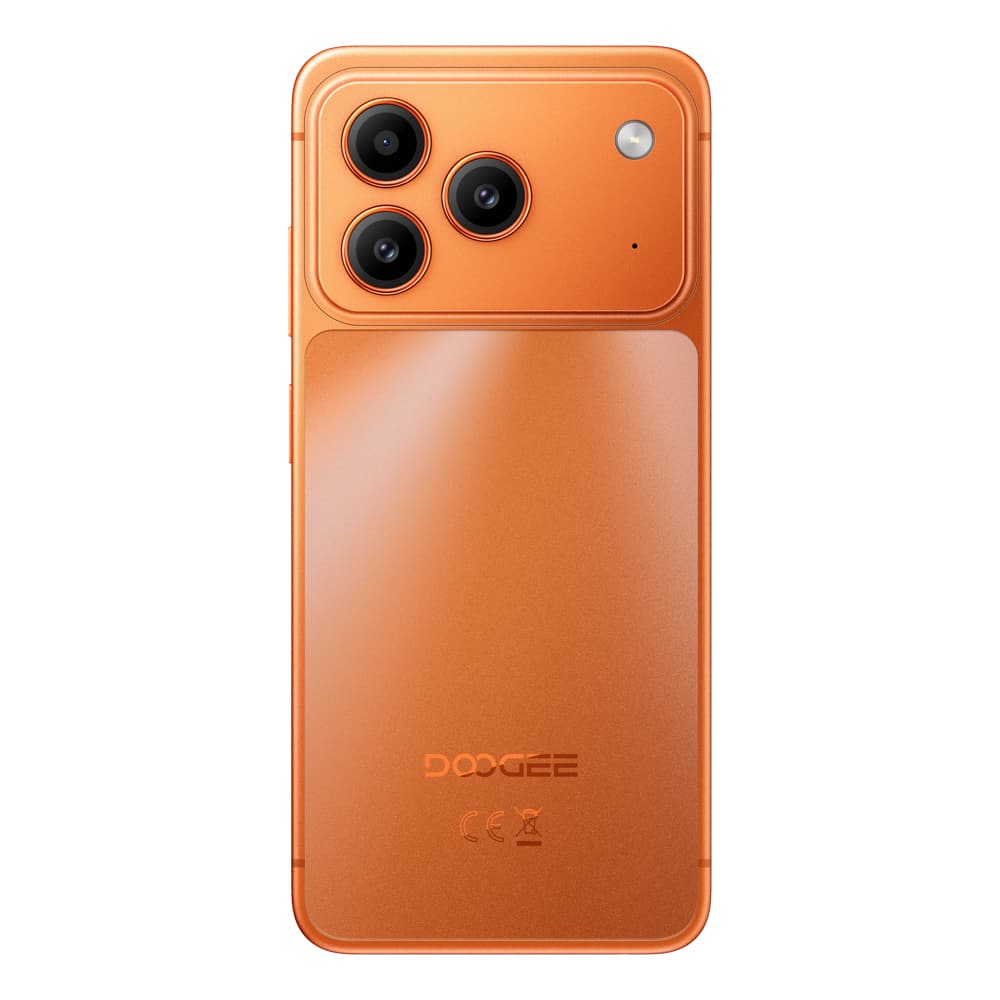
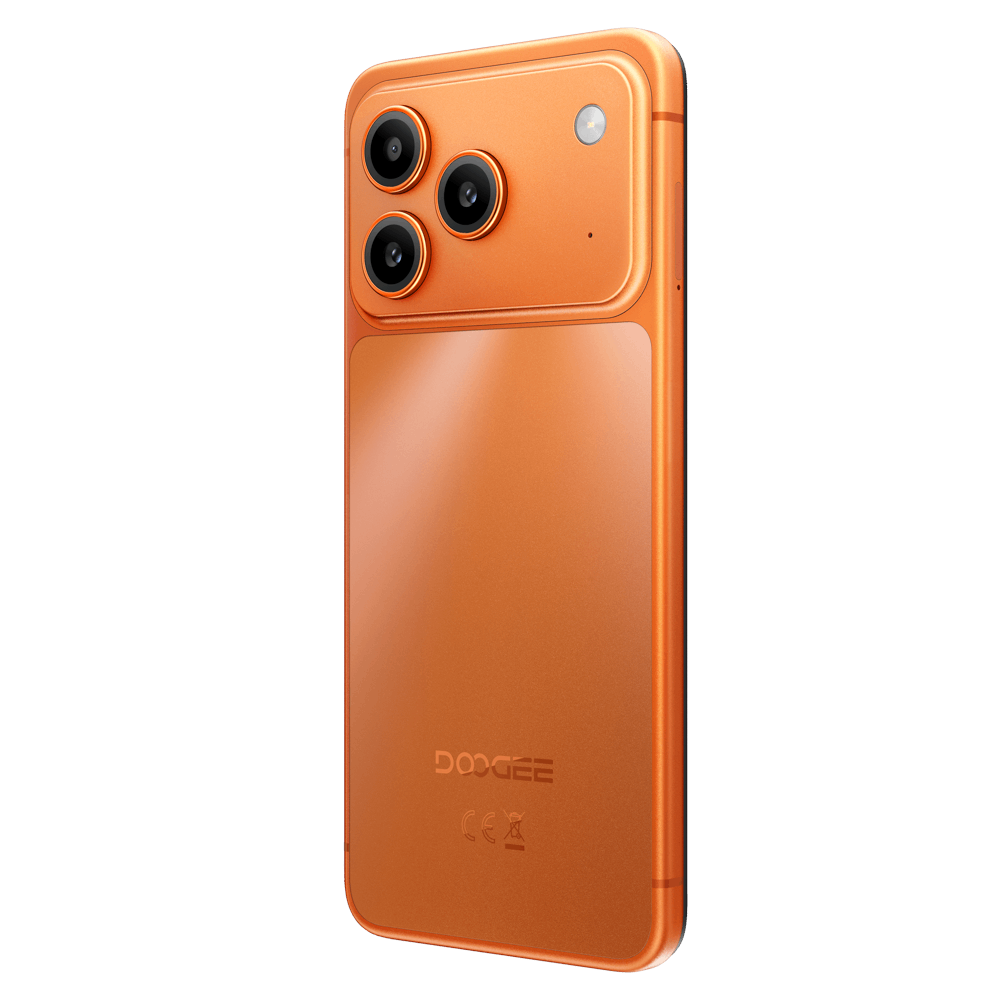
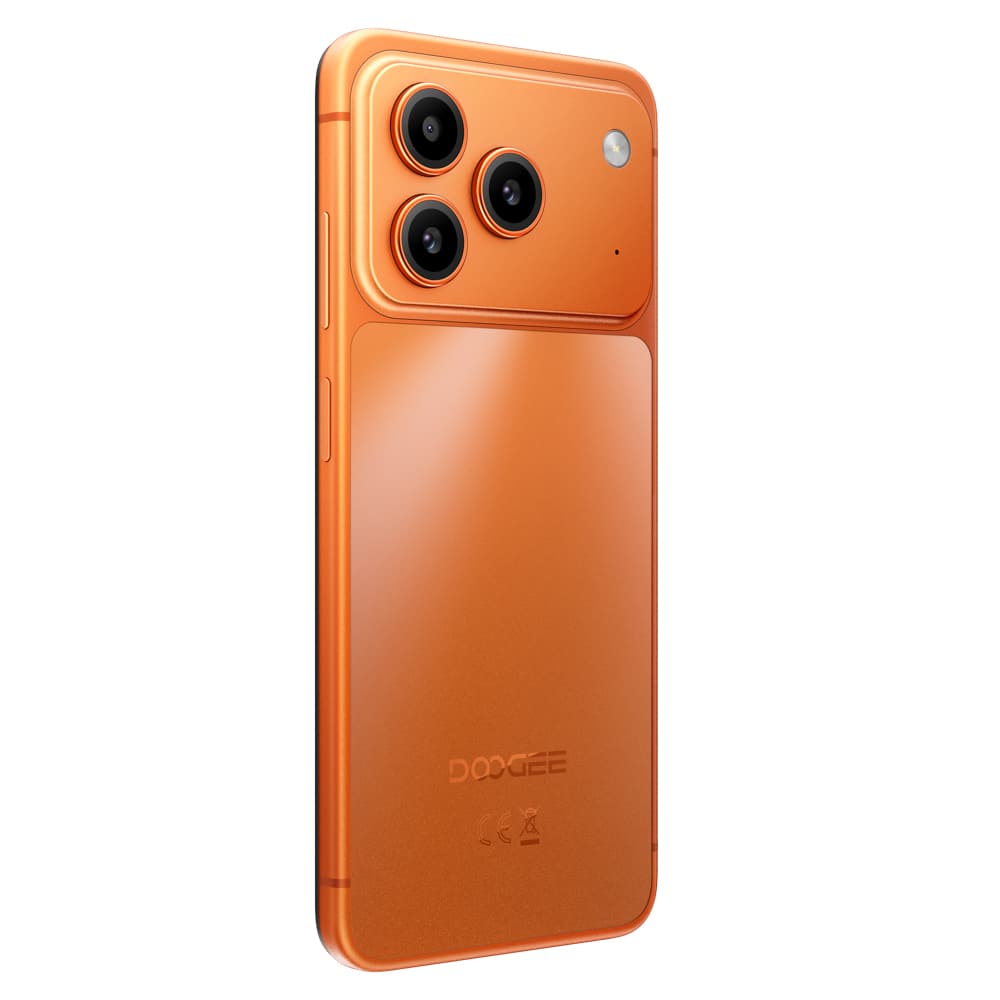
Long everyday battery life
HD+ IPS waterdrop screen
3GB + 9GB extended memory
Up to 1.6GHz octa-core
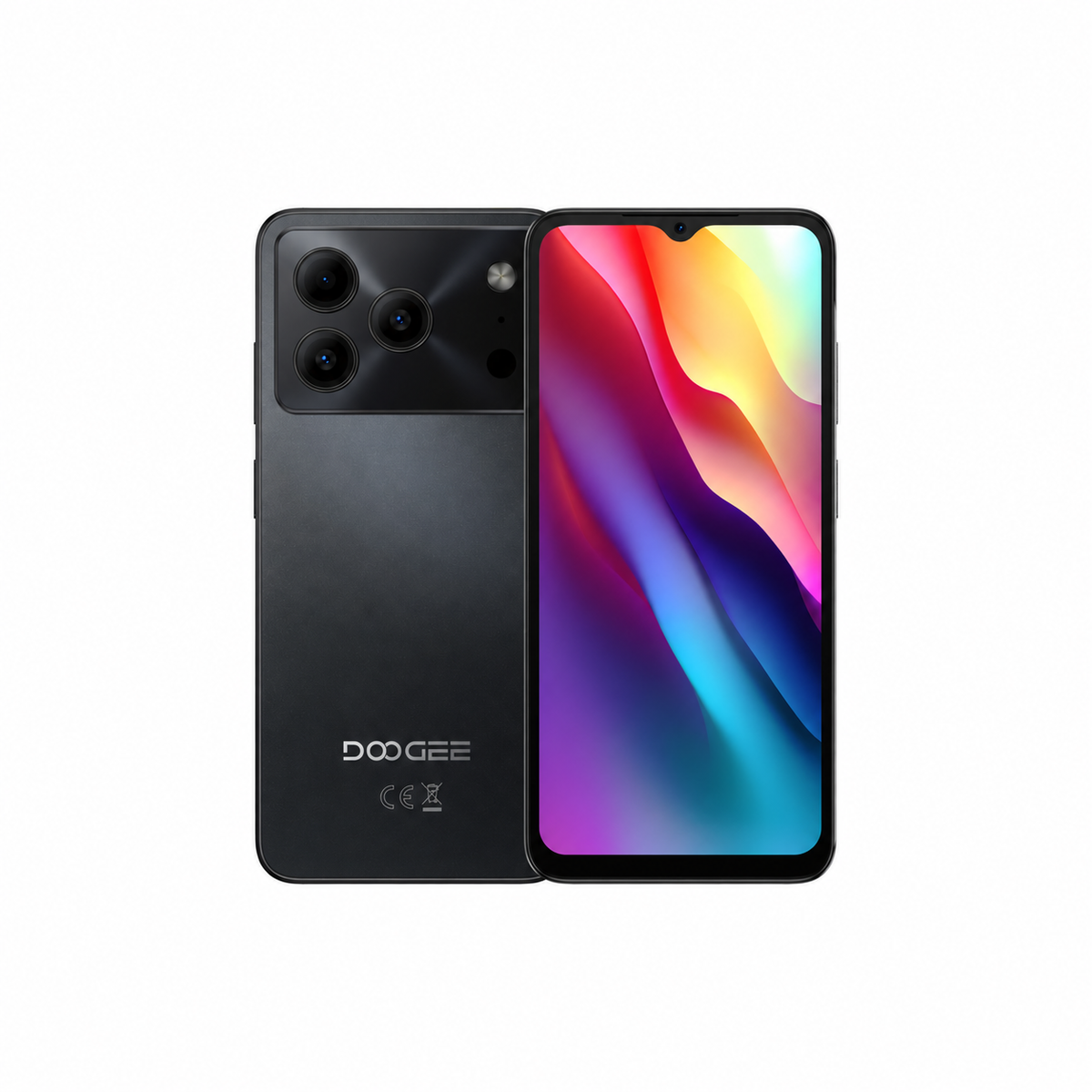
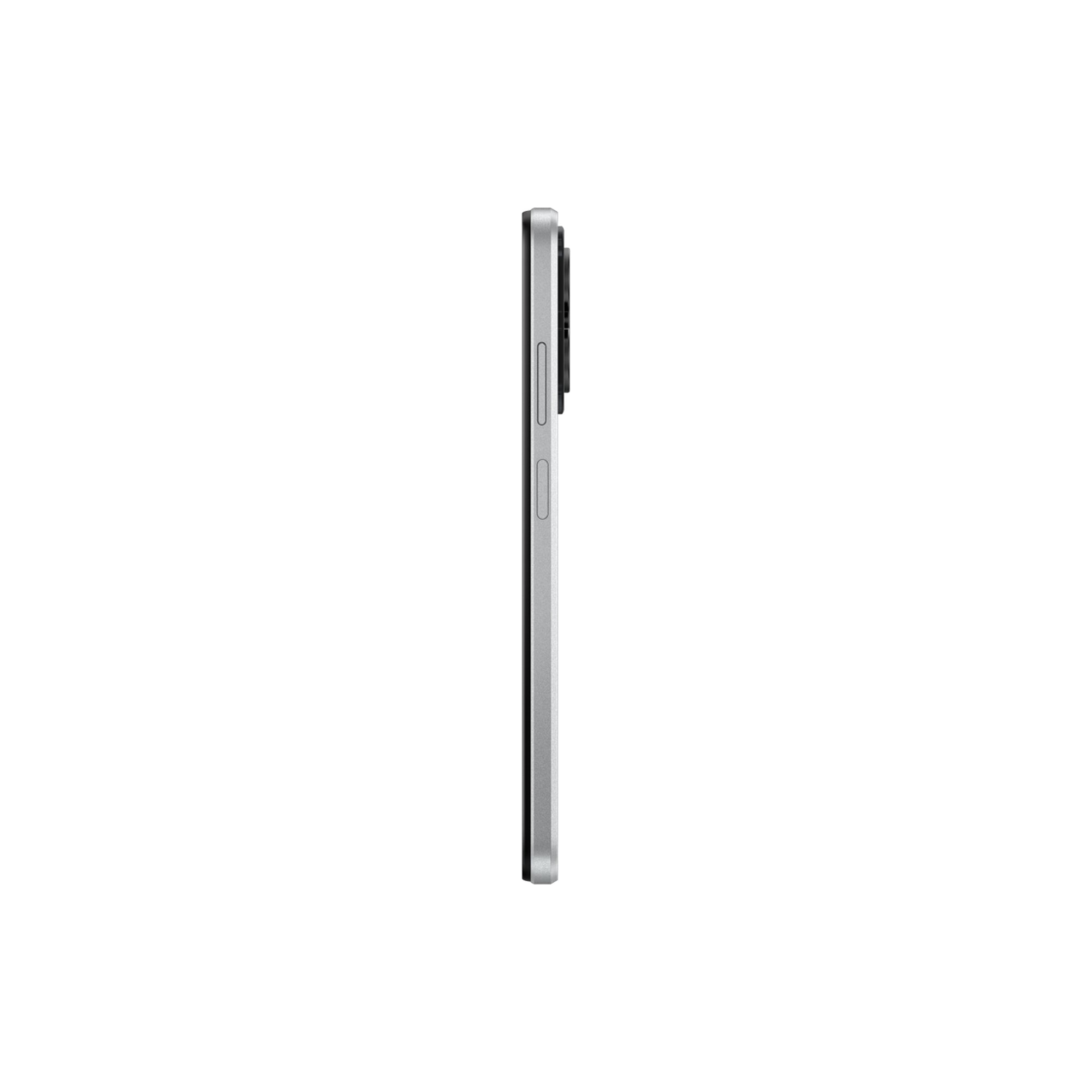
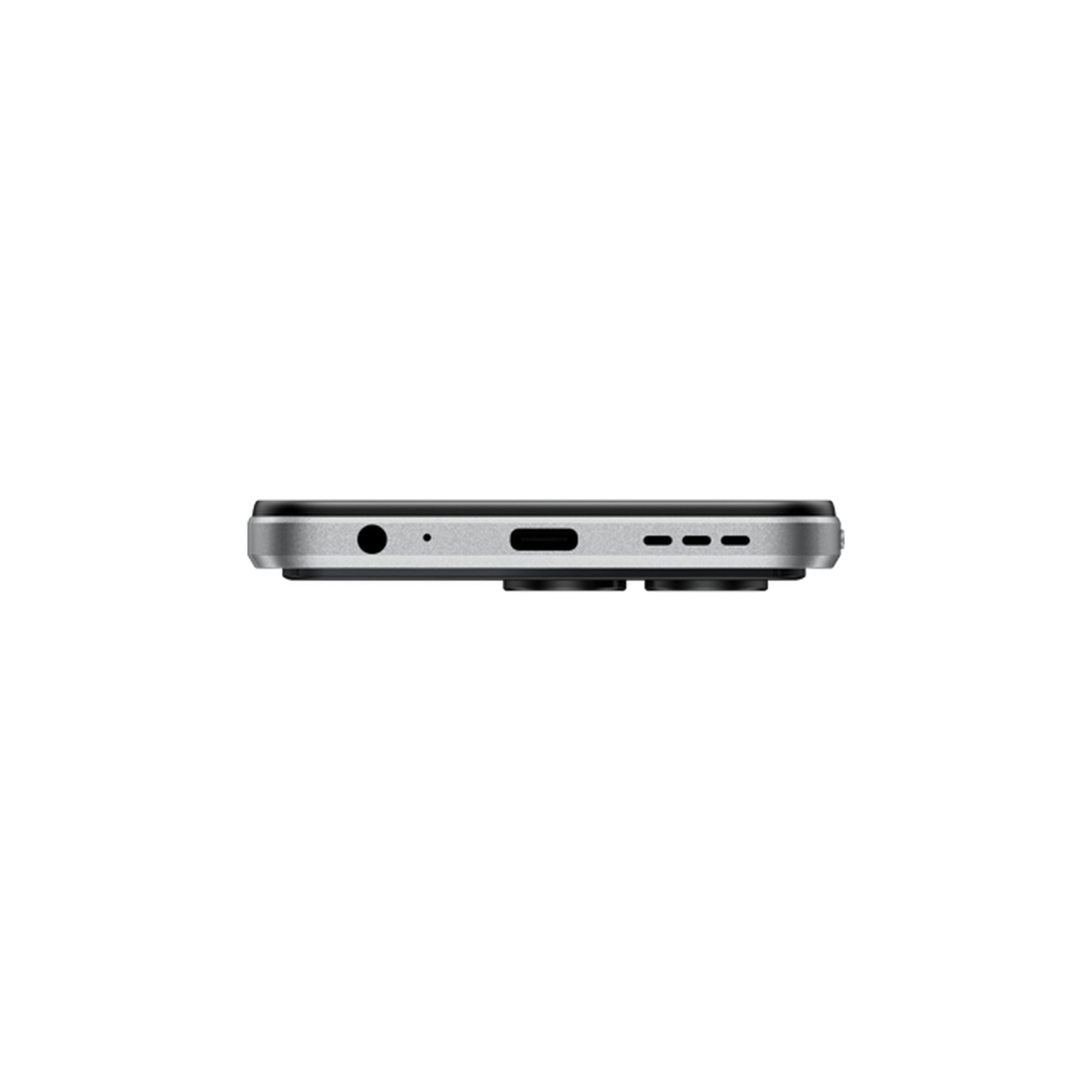
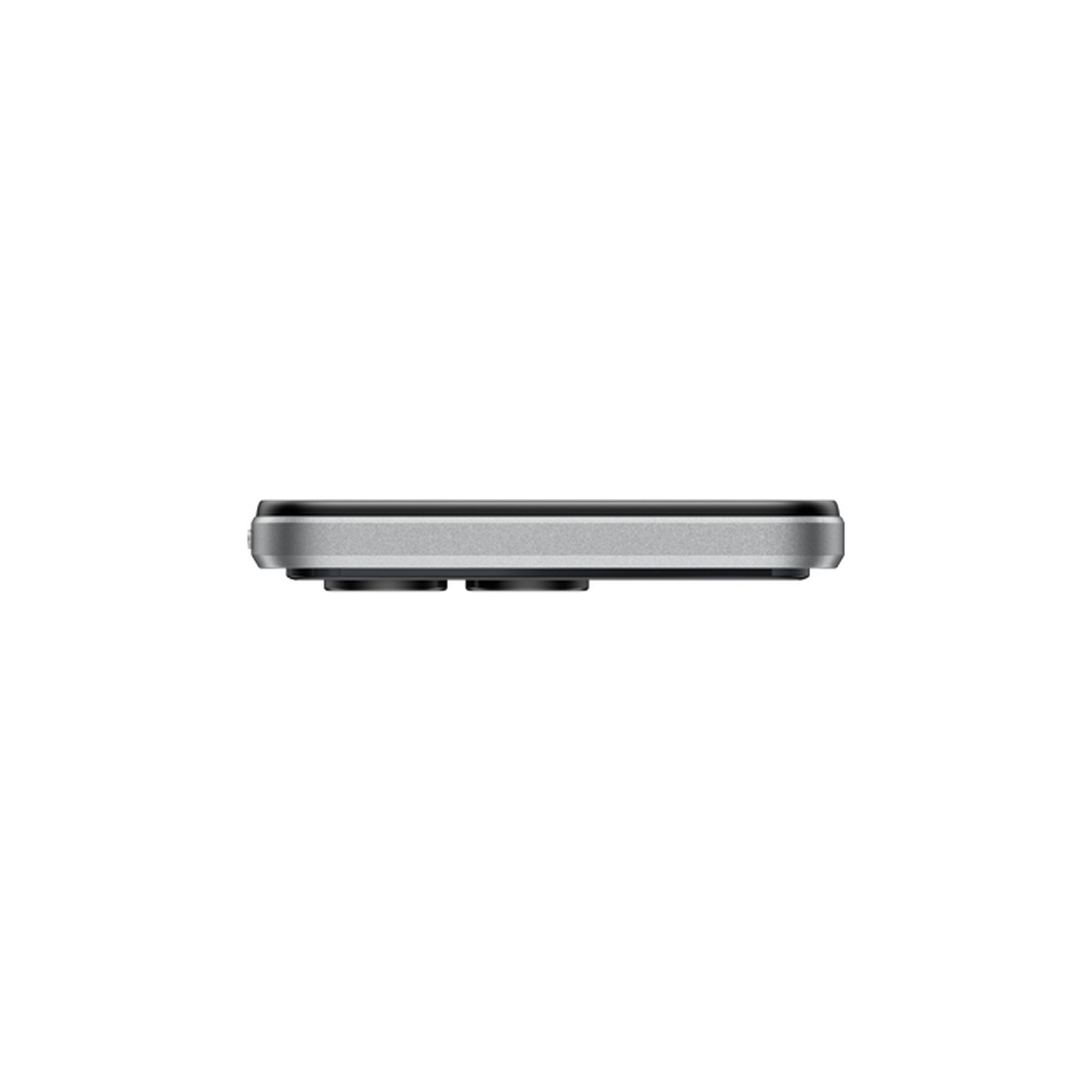
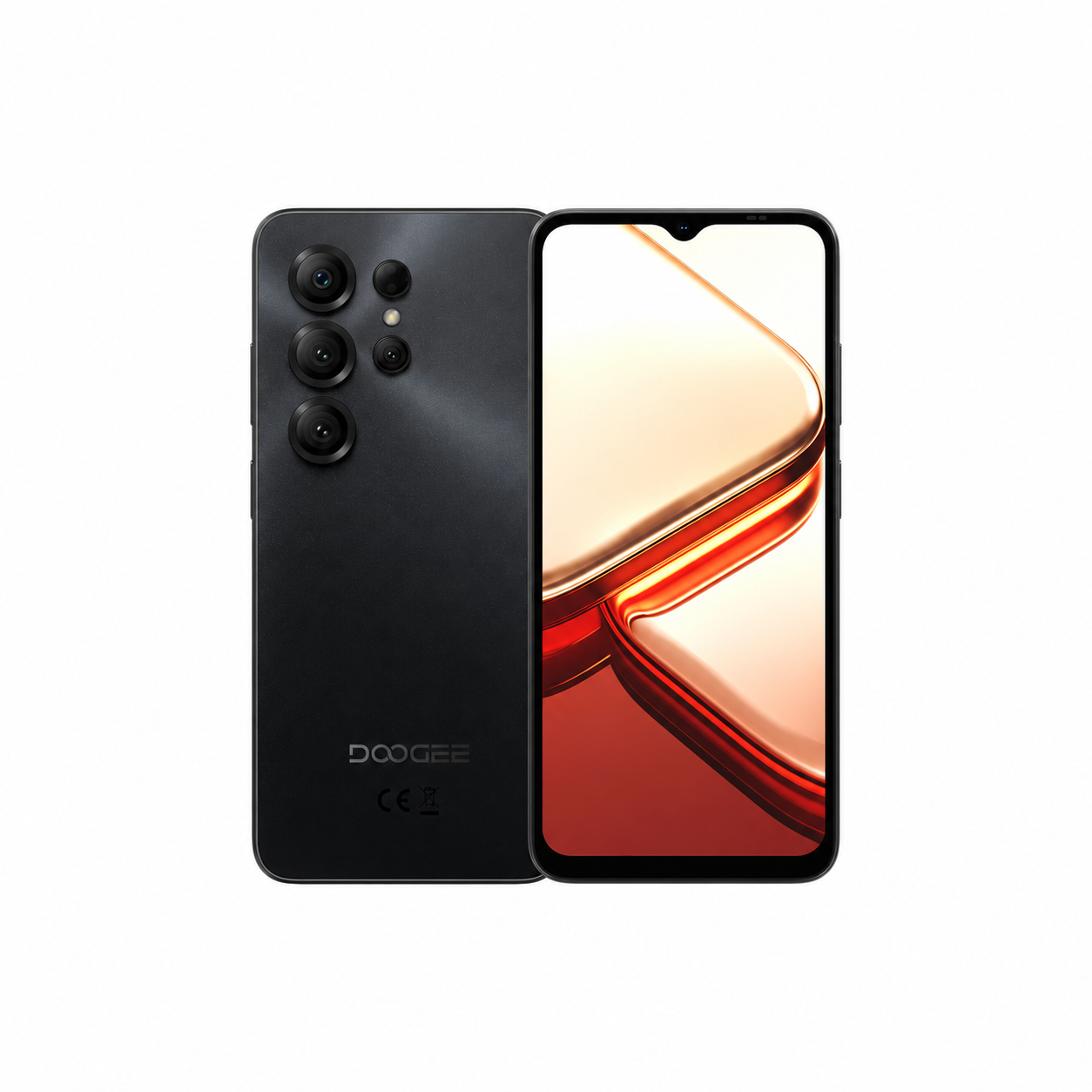
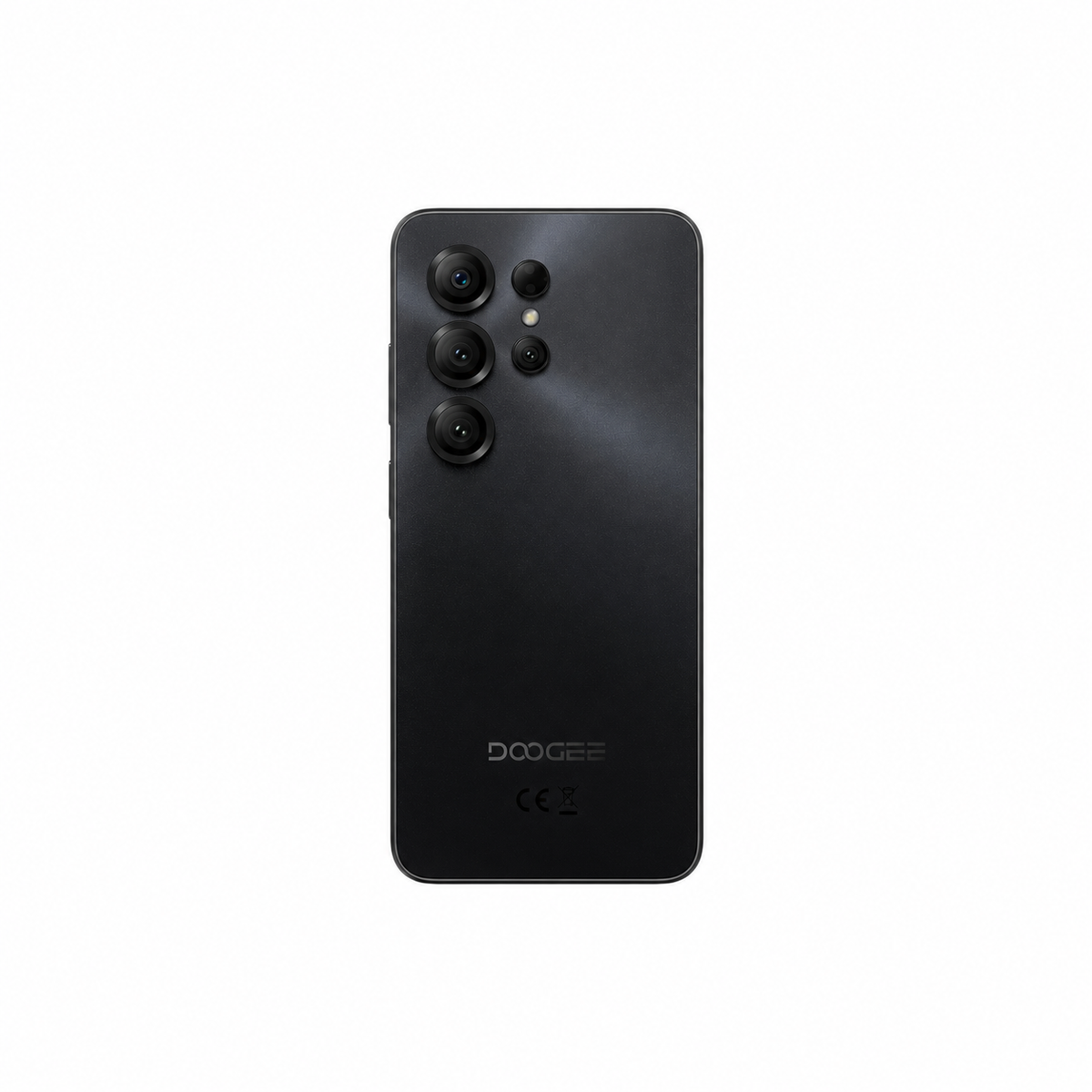
DOOGEE Note56 Lite Long-Lasting Battery Smartphone
Long everyday battery life
HD+ IPS waterdrop screen
3GB + 9GB extended memory
Up to 1.6GHz octa-core
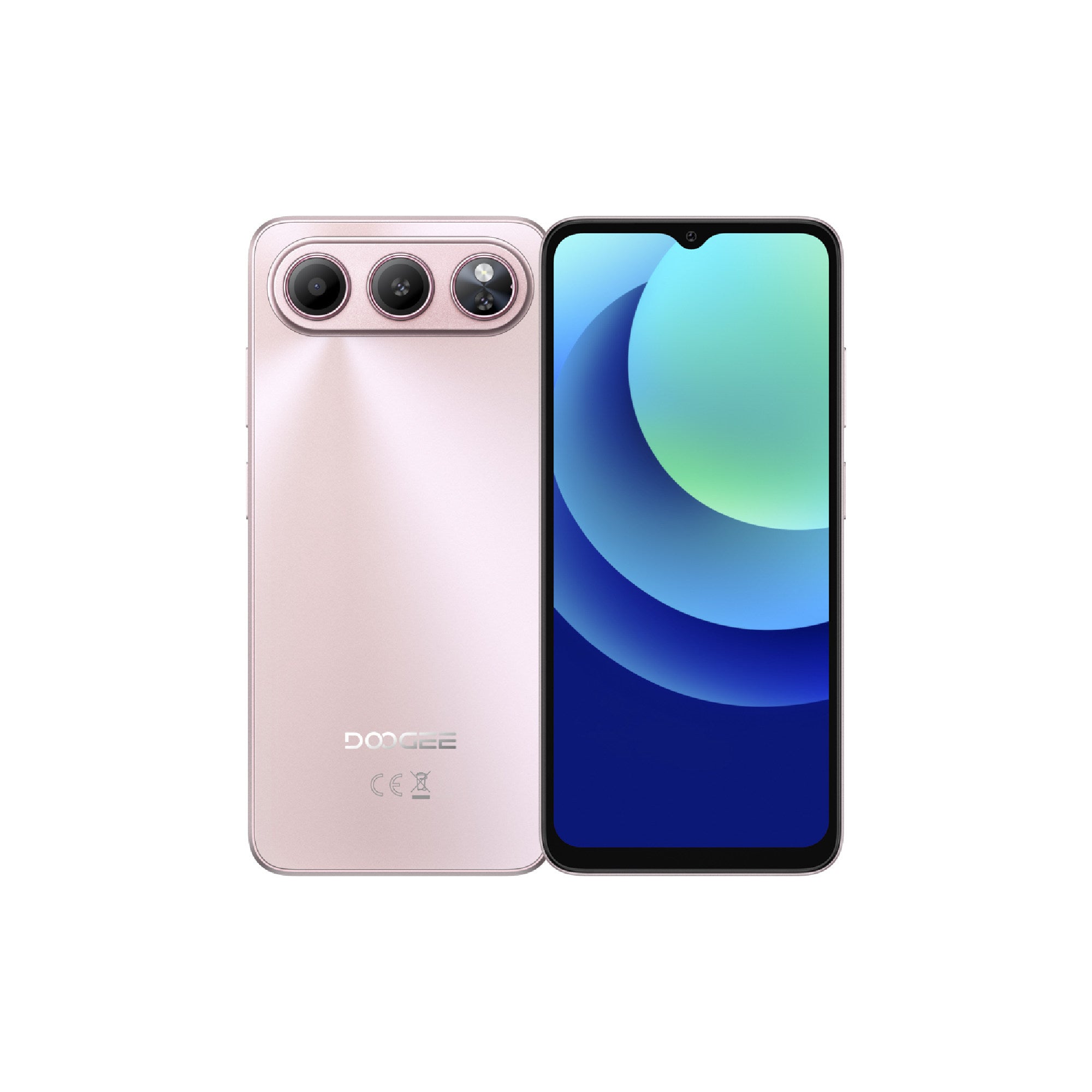
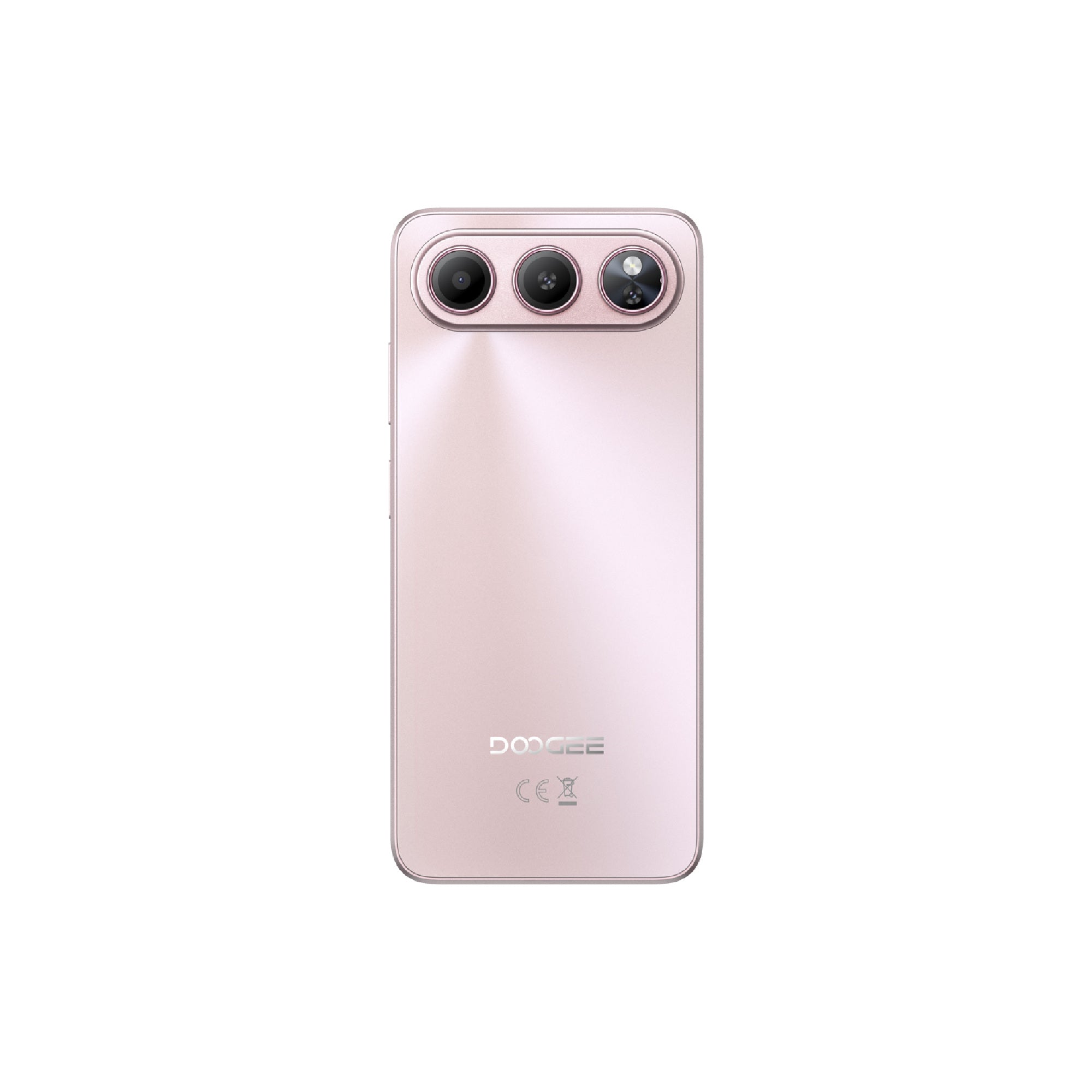
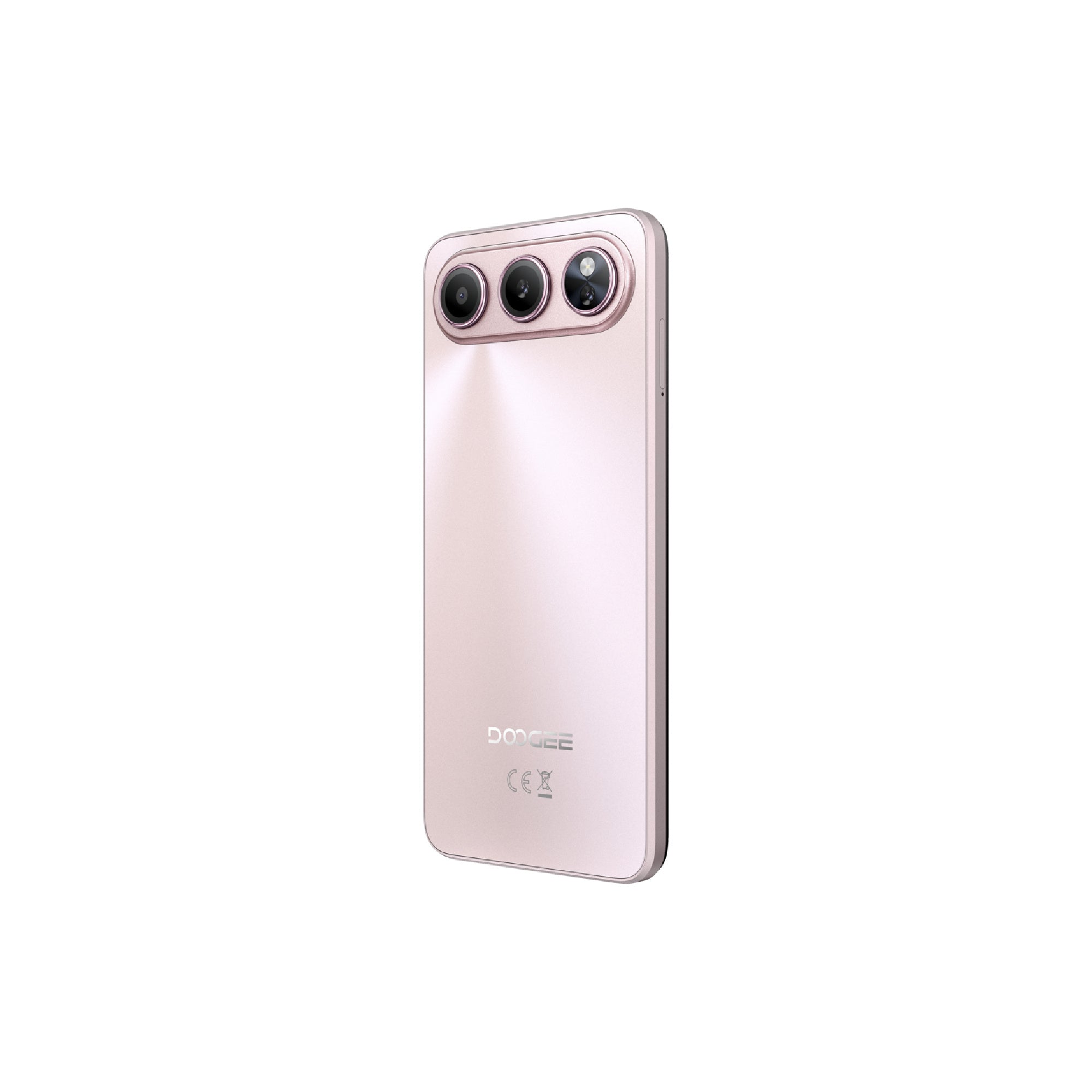
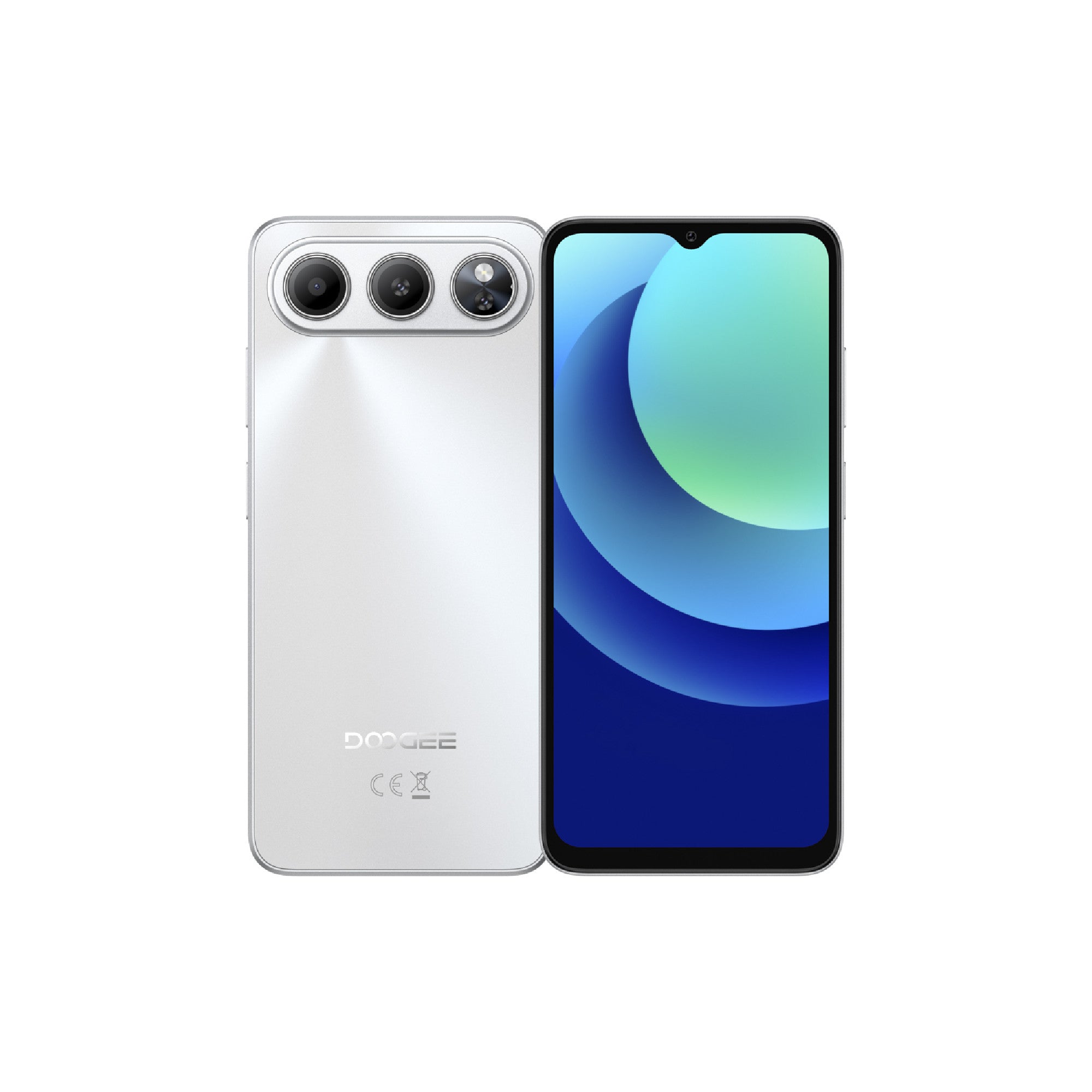
Long everyday battery life
HD+ IPS waterdrop screen
3GB + 29GB extended memory
Up to 1.8GHz octa-core
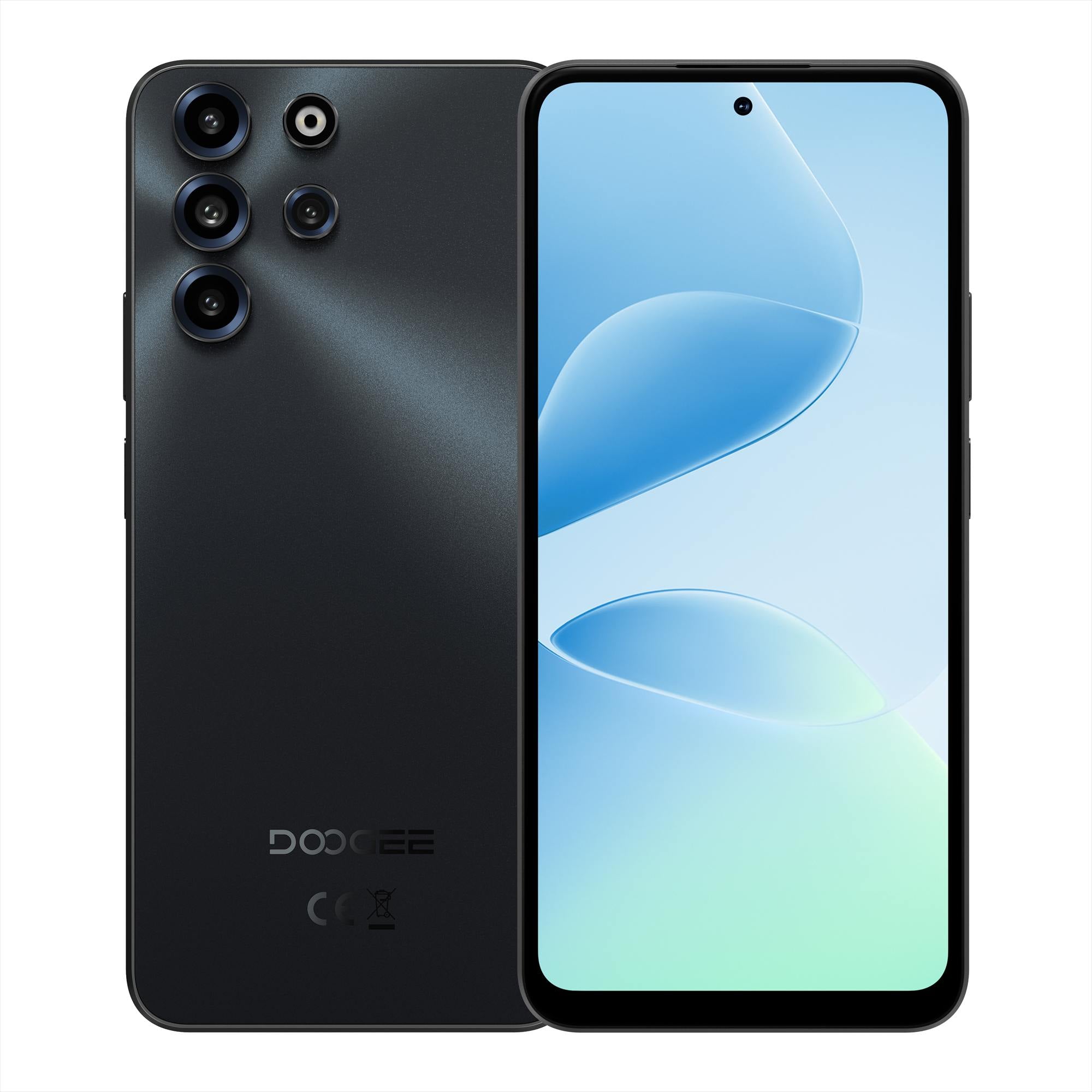
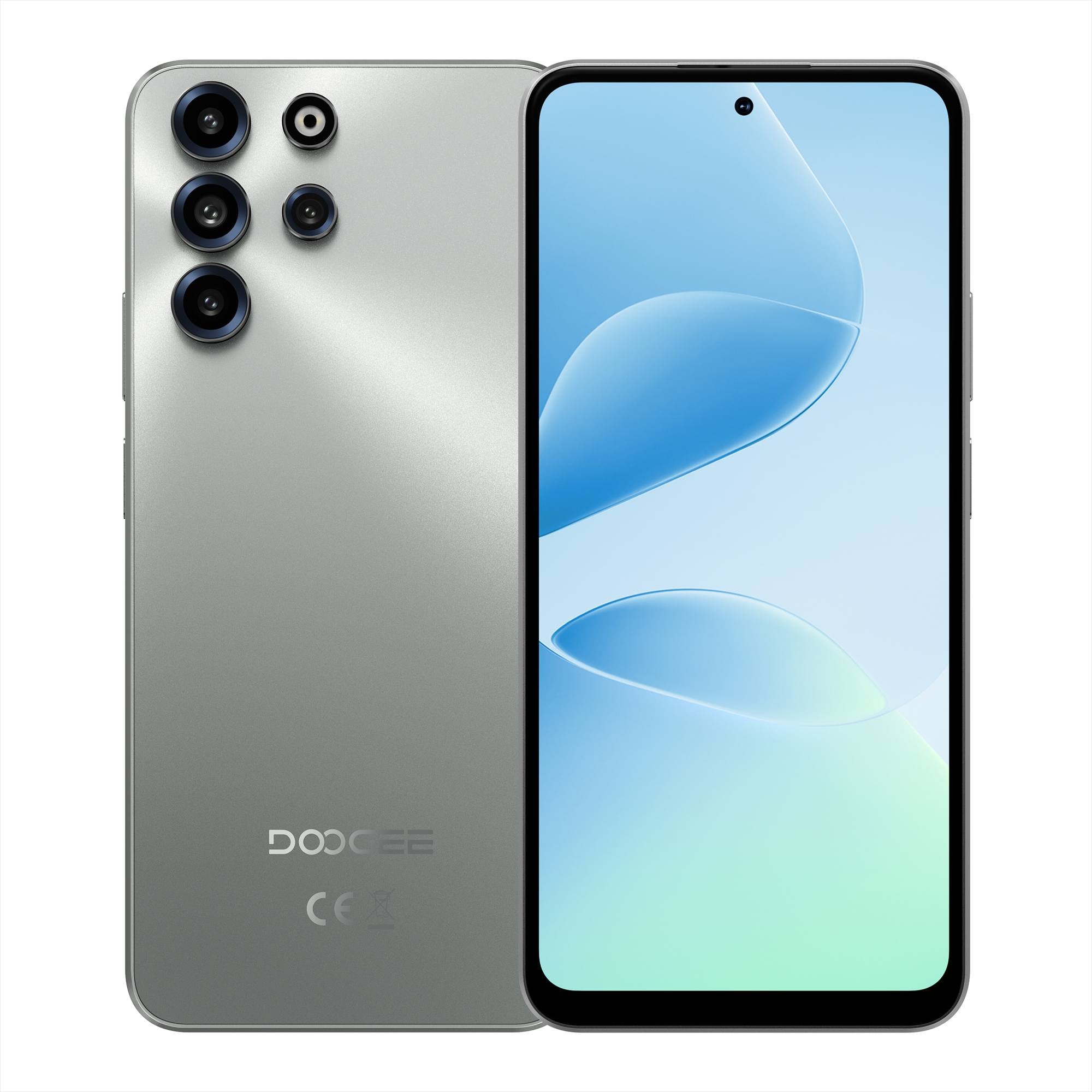
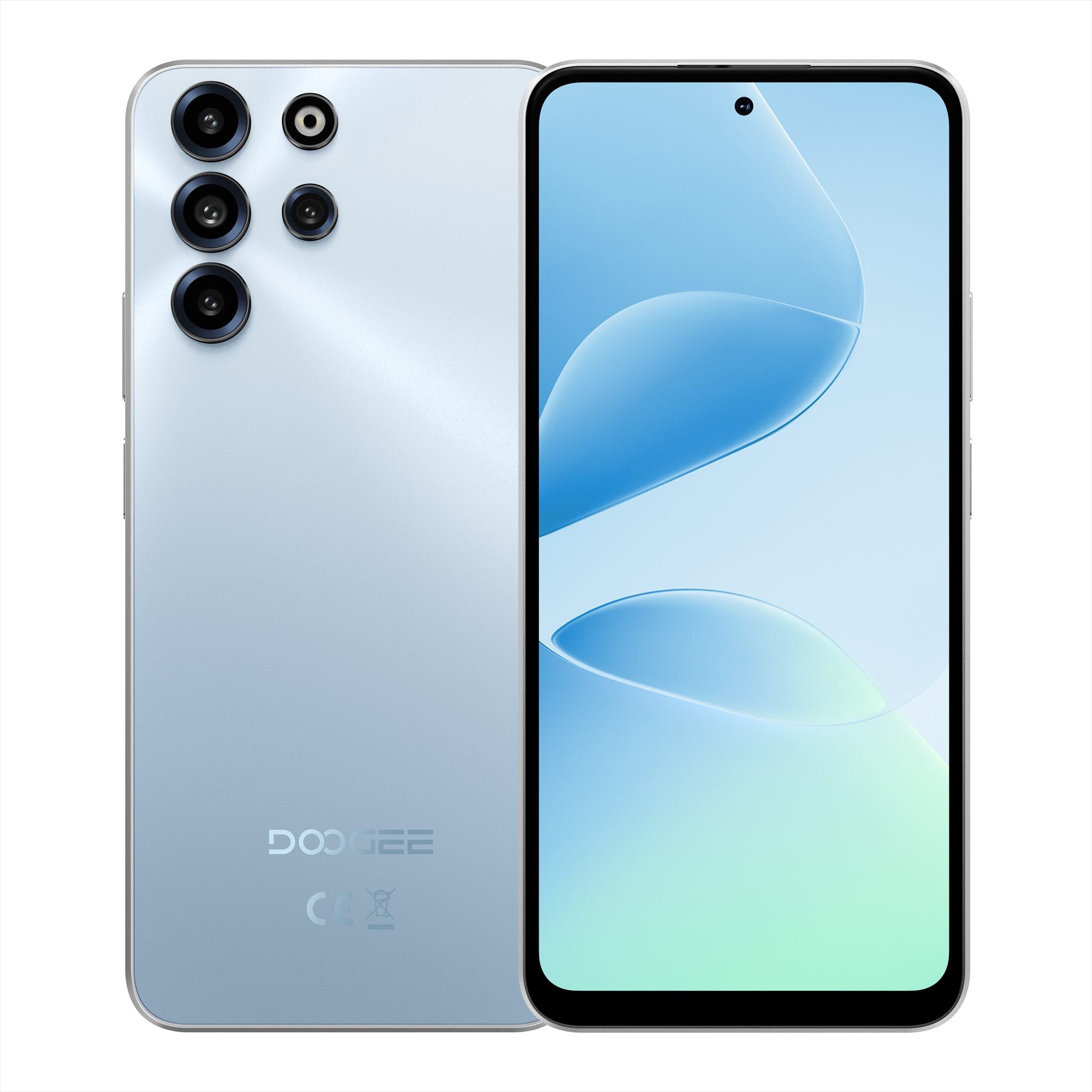
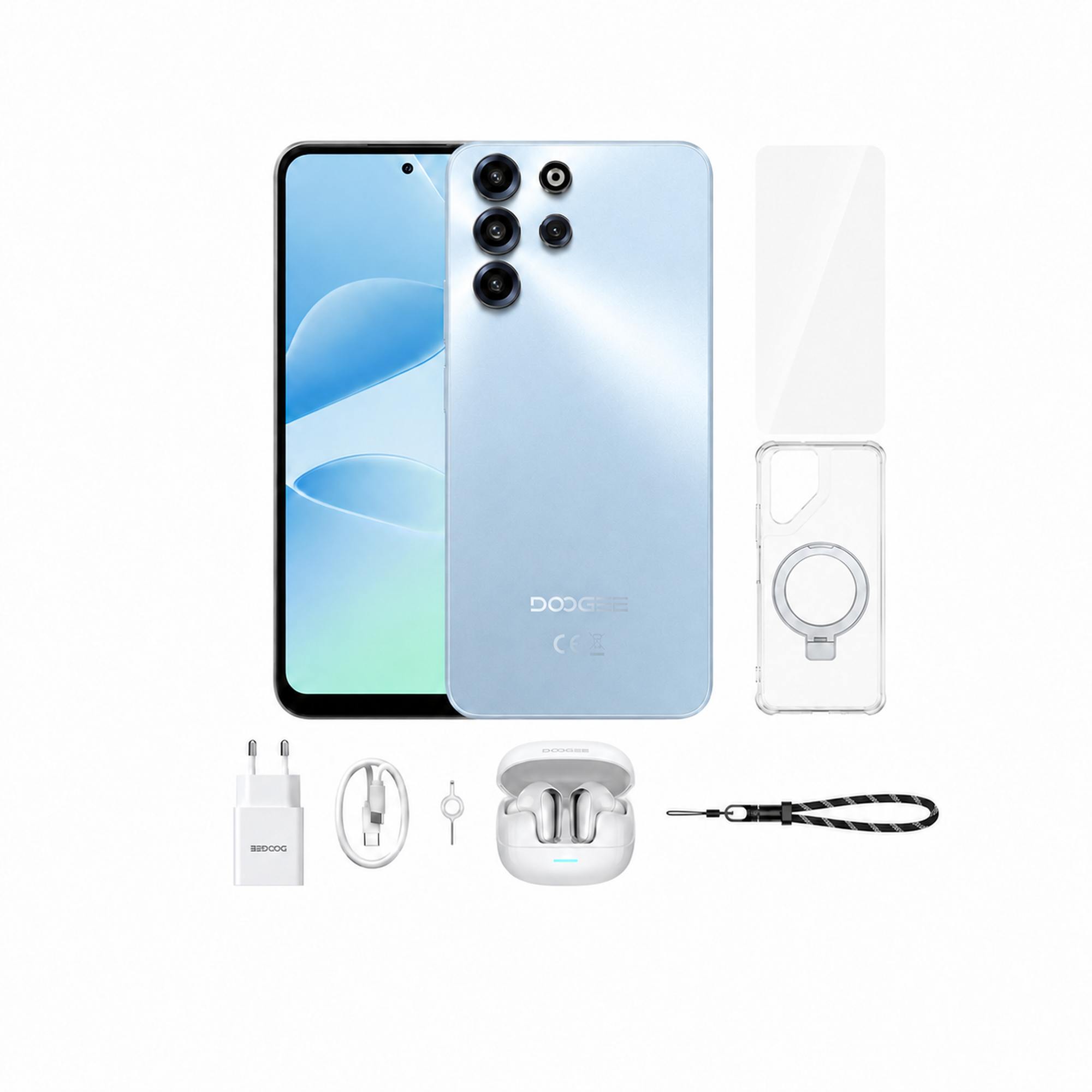
33W fast charging

Waterproof / Dustproof
FHD IPS screen with GG3
6nm octa-core performance
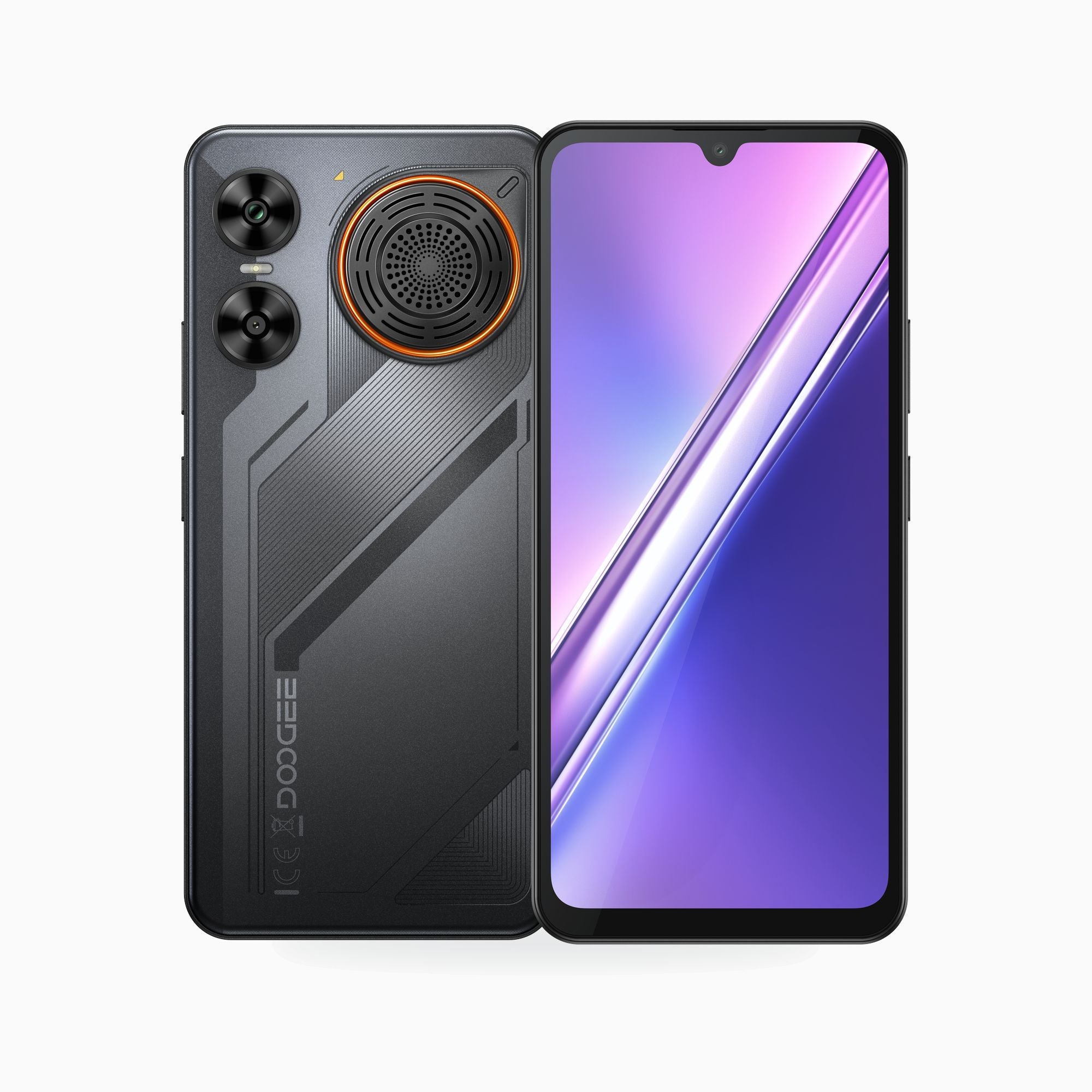
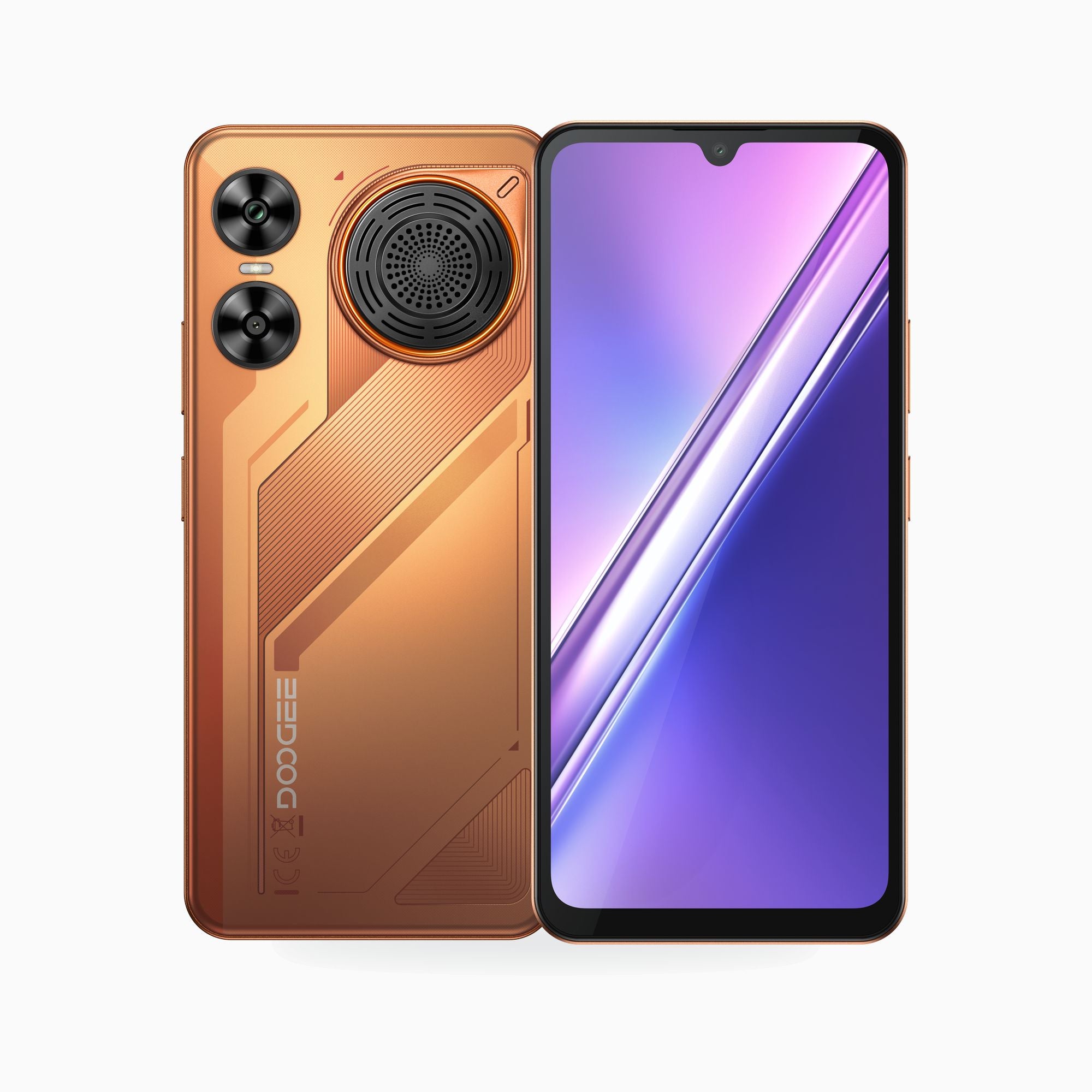
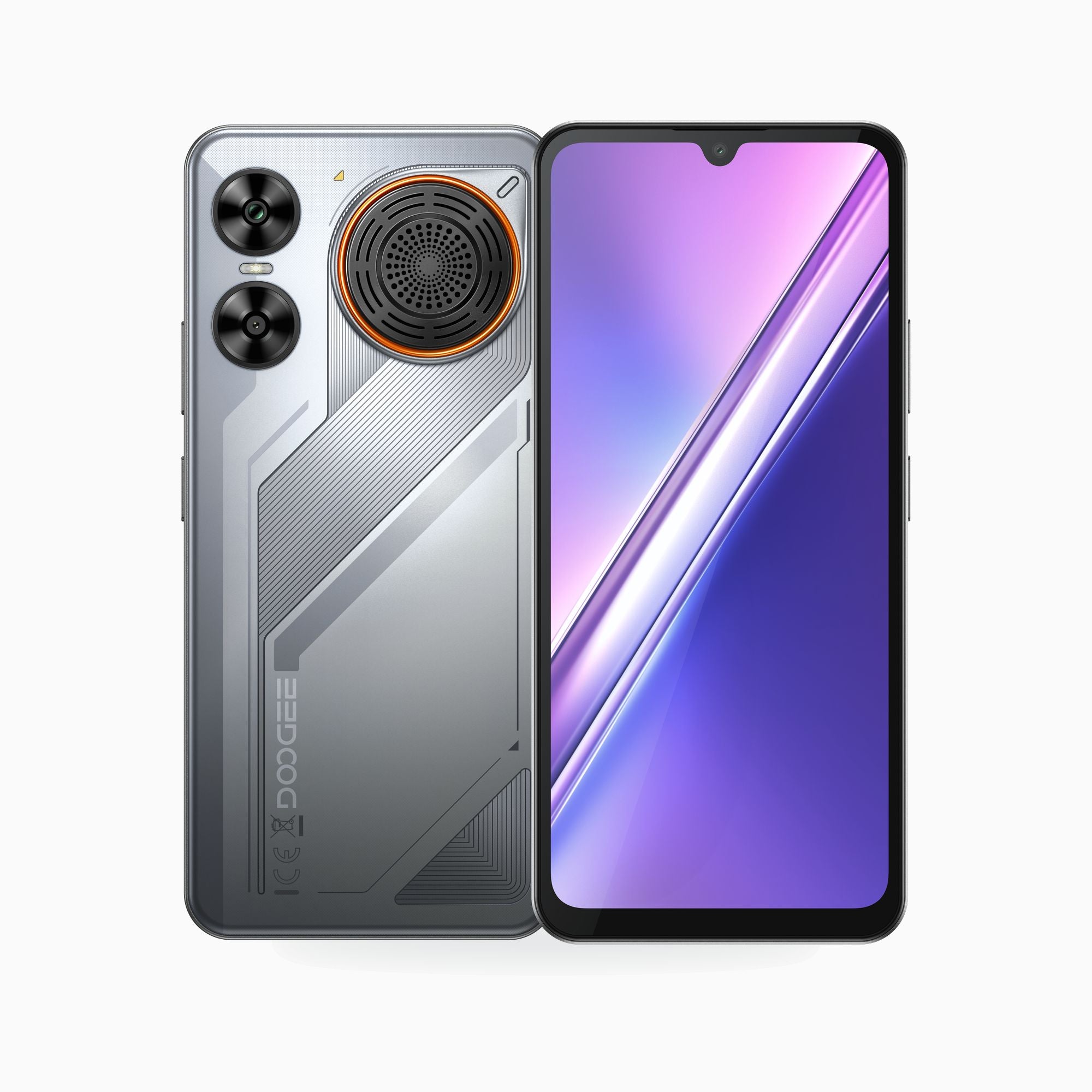
Dustproof and waterproof
33W charging
Octa-core daily performance

20MP front camera
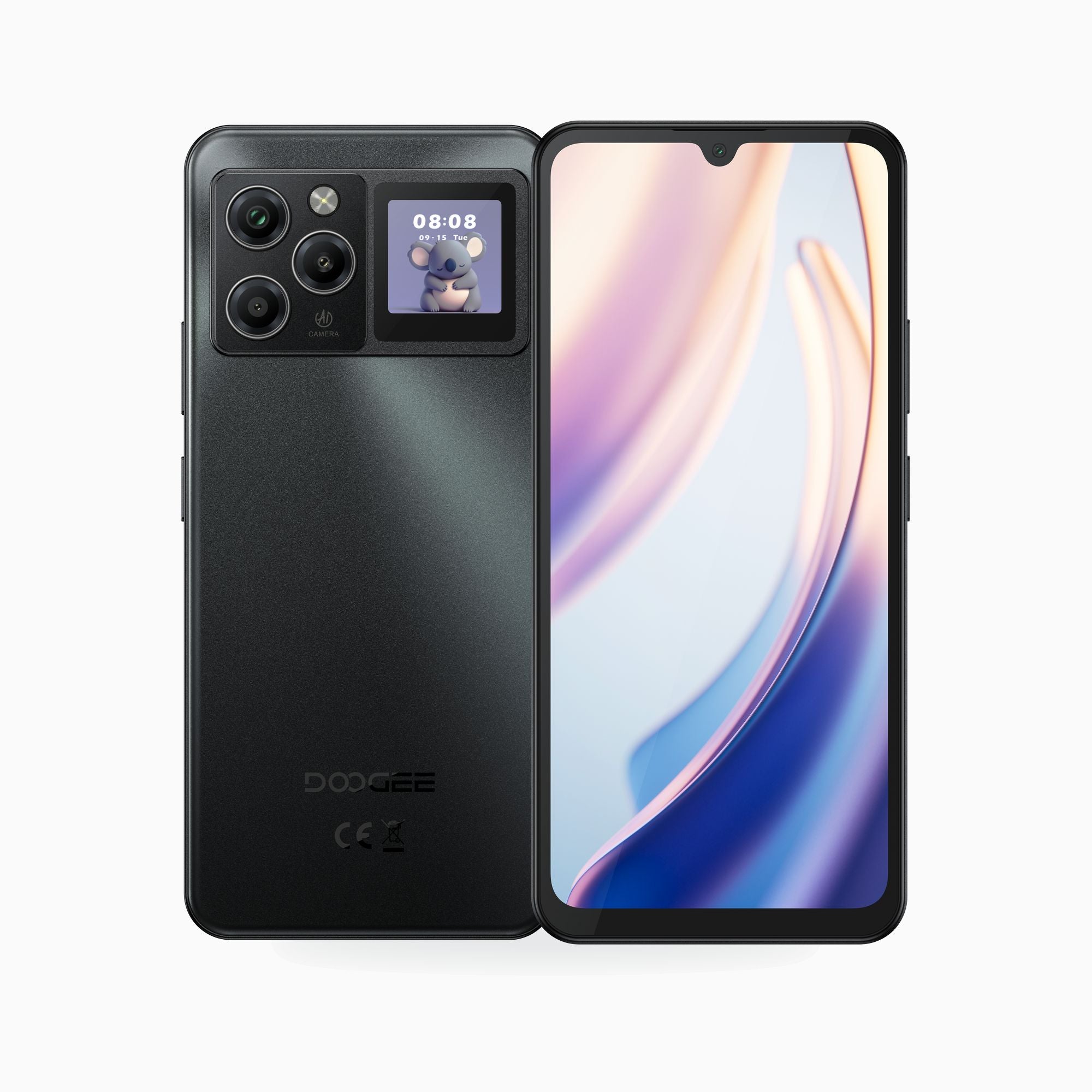
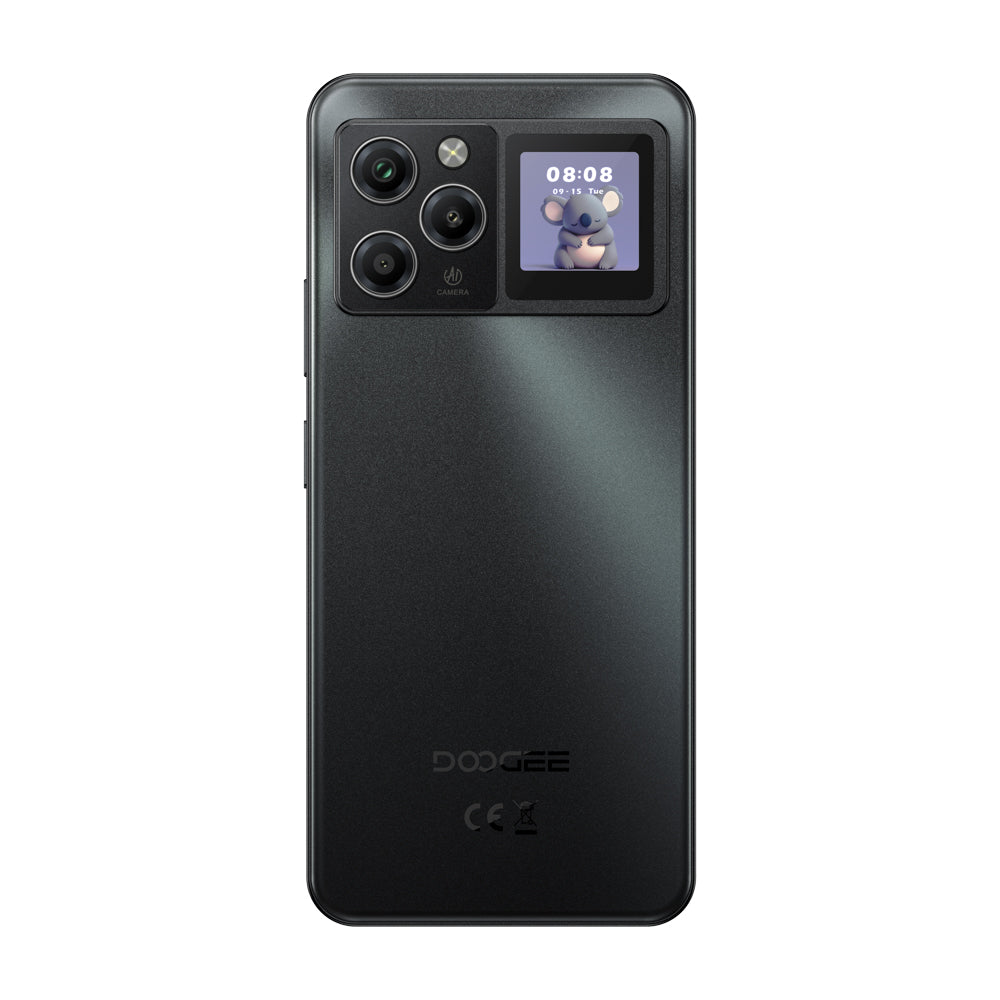
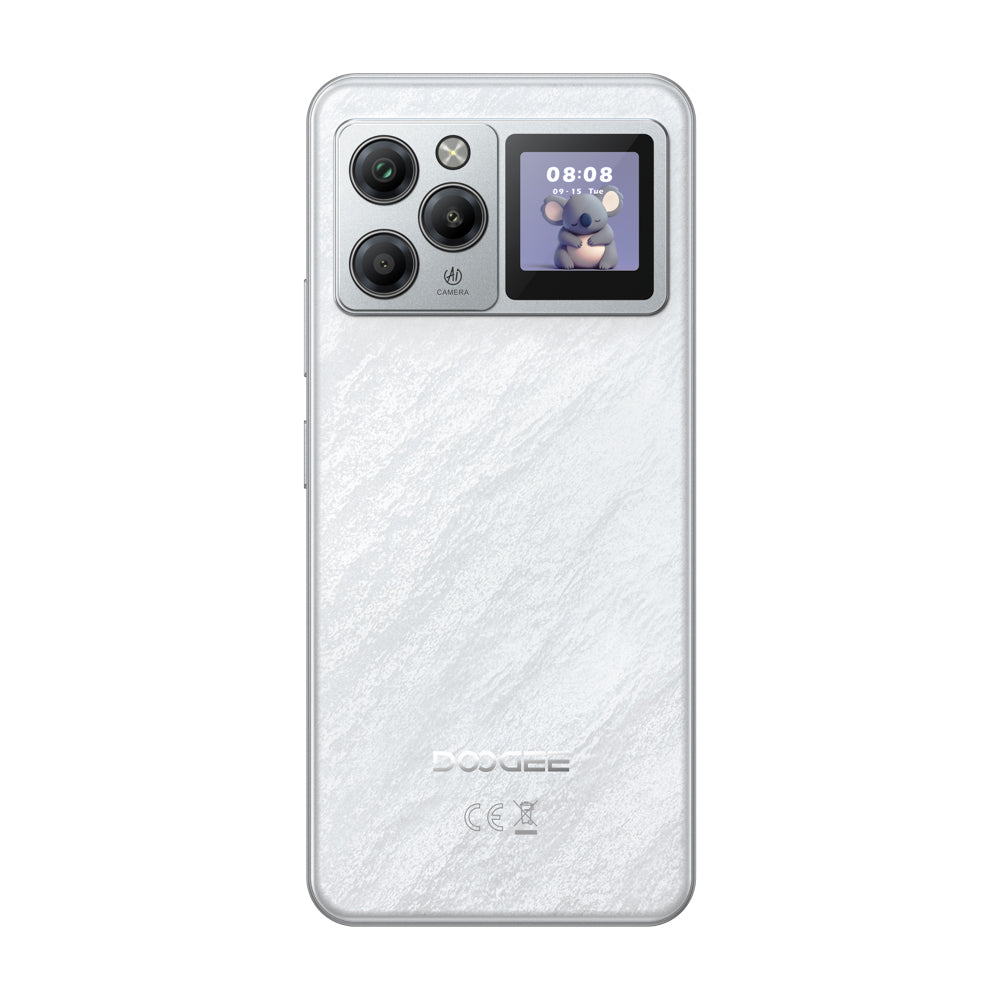
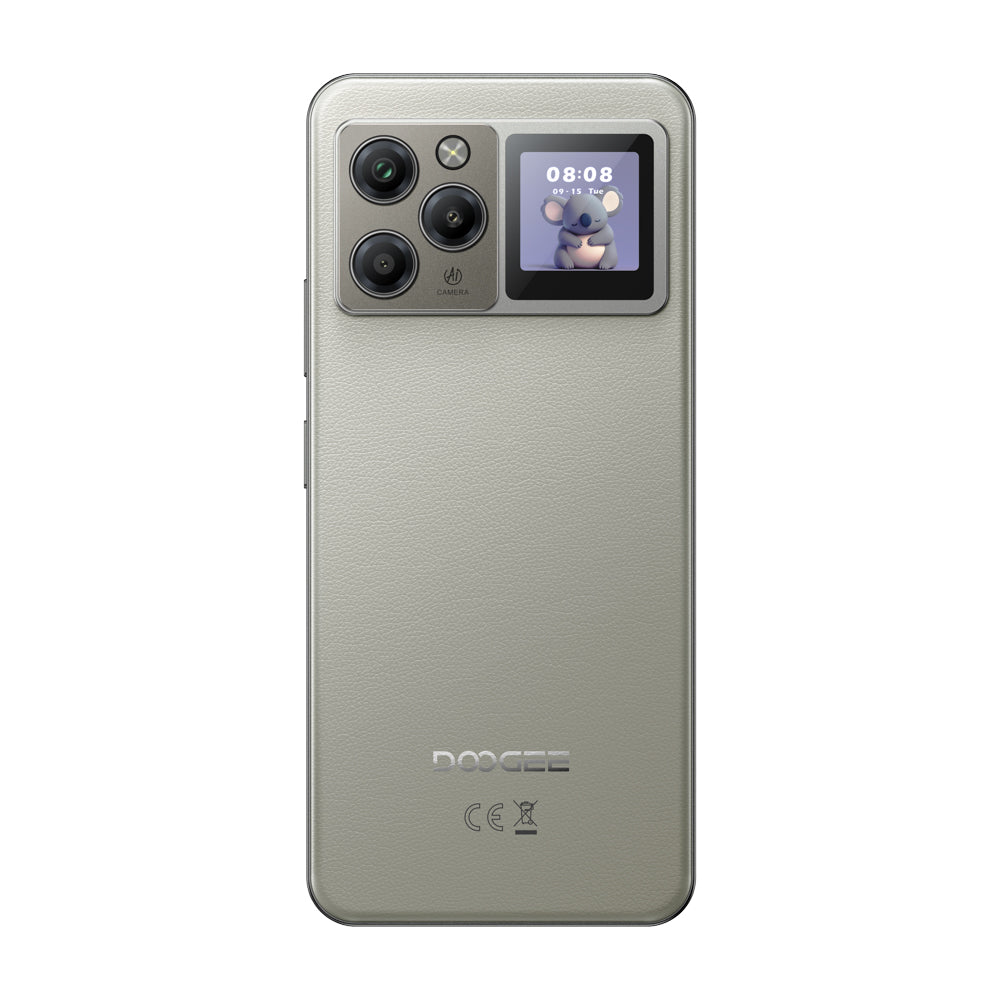
1.3" multifunction screen
Dustproof and waterproof
33W charging
Extended memory support
Dustproof and waterproof
33W fast charging
6nm octa-core performance
16MP front camera
Smartphone Buying Guide FAQ
Compare current DOOGEE smartphones by size, performance, storage, cameras, battery, software, and network compatibility.
What is the difference between a DOOGEE smartphone and a rugged phone?
Regular DOOGEE smartphones prioritize a lighter everyday design, display, value, and general performance. Rugged phones add reinforced construction, protection ratings, and often much larger batteries, which also increases size and weight.
Which current DOOGEE smartphone should I choose?
Current options include the M30 family, B10, Note56 family, Note58, and Note59 Pro. Compare screen size, network generation, processor, physical RAM, storage, cameras, battery, and Android version. Use the product page for the final specification because similarly named versions can differ.
Are all DOOGEE smartphones 5G phones?
No. The current smartphone collection includes both 4G and 5G models. Confirm network generation and supported bands on the exact listing, then compare them with your carrier before ordering.
What is extended RAM, and is it the same as physical RAM?
Extended RAM uses part of the phone's storage to support multitasking. It is not additional physical memory and does not perform exactly like physical RAM. Compare the listed physical RAM first, then treat extended RAM as a secondary software feature.
Can I add a memory card?
Expandable storage is model-specific. Check the product specifications for microSD or TF-card support, the maximum card size, and whether the card uses a shared SIM slot.
How do I find the correct case or screen protector?
Accessories must match the exact model name and body design. A case for a Pro, Plus, X, or VIP version might not fit the standard version. Verify the full product name and camera layout before ordering an accessory.